Every customer goes on a journey. It starts with a simple thought. It ends with a purchase, a review, or sometimes frustration. But what if you could see that journey clearly? What if you could map every step?
That’s where customer journey mapping tools come in. They help you visualize how users interact with your brand. They turn invisible experiences into clear, visual stories. And they make improving user experience much easier.
TLDR: Customer journey mapping tools help you see how customers interact with your brand from start to finish. They turn complex behaviors into simple visual maps. These tools help teams spot pain points, improve touchpoints, and create better user experiences. If you want happier customers, mapping their journey is a smart place to start.
Contents
What Is Customer Journey Mapping?
Customer journey mapping is the process of creating a visual story of your customer’s experience. It shows every step. From discovery to decision.
It answers questions like:
- How did the customer find us?
- What did they click?
- Where did they hesitate?
- Why did they leave or buy?
Think of it like a road trip map. You see the starting point. You see stops along the way. You notice traffic jams. You also notice smooth highways.
When you can see the full map, you can fix problems faster.

Why Visualizing the User Experience Matters
Data alone can be confusing. Numbers do not always tell a story. Spreadsheets feel cold.
A visual journey map feels different. It shows:
- Emotions at each step
- Touchpoints across channels
- Pain points that cause drop-offs
- Opportunities to improve
Visuals help teams align. Marketing understands what support sees. Designers see what sales hears. Everyone works from the same picture.
And when teams align, user experience improves.
Key Elements of a Customer Journey Map
Good journey mapping tools focus on structure. Most maps include these core parts:
1. Persona
This is your typical customer. Not everyone. Just one realistic profile.
You define:
- Goals
- Needs
- Behavior patterns
2. Stages
These are the phases of interaction. For example:
- Awareness
- Consideration
- Decision
- Retention
3. Touchpoints
Every interaction counts. Website visits. Social media ads. Emails. Customer support chats.
4. Emotions
How does the customer feel at each stage? Excited? Confused? Frustrated?
5. Pain Points
Where do problems happen? Slow checkout pages? Hidden pricing?
A great tool helps you visualize all of this in one clean layout.
Popular Types of Customer Journey Mapping Tools
There are many tools available. They fall into a few main categories.
1. Whiteboard-Style Collaboration Tools
These are simple. Visual. Flexible.
They offer:
- Drag-and-drop elements
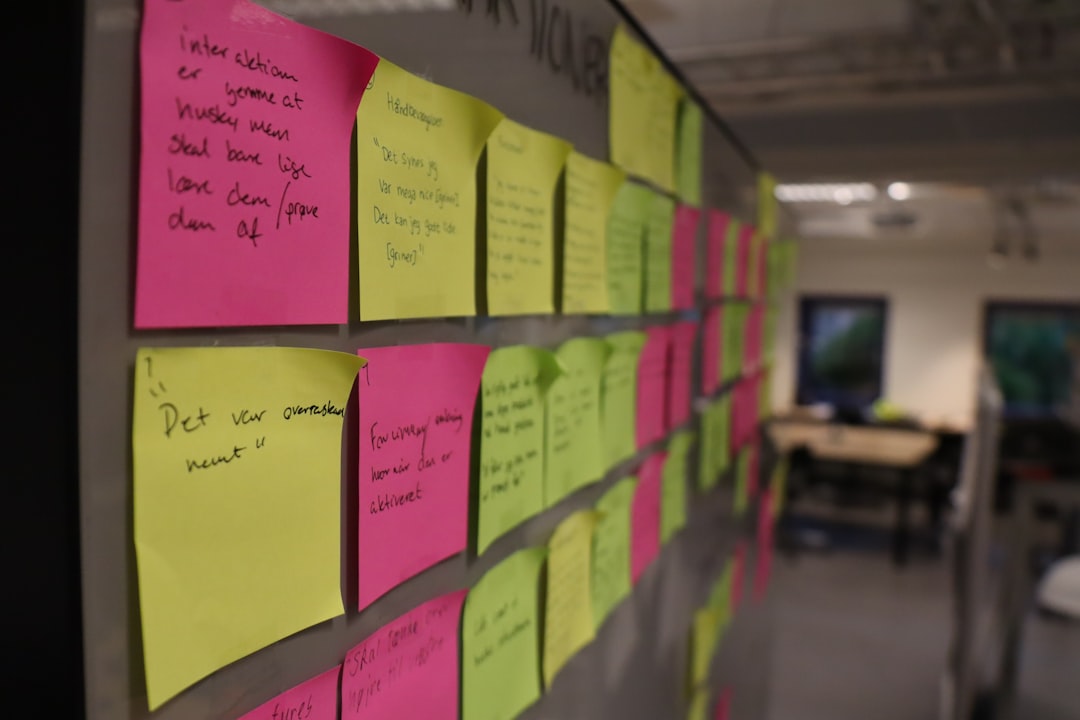
- Sticky notes
- Flowchart templates
- Real-time collaboration
They are great for brainstorming sessions. Teams can map ideas quickly. No technical skills needed.
2. UX and Research Platforms
These tools go deeper. They combine journey mapping with research data.
They often include:
- User testing results
- Heatmaps
- Session recordings
- Survey feedback
This makes the map more evidence-based. Less guessing. More proof.
3. Analytics-Based Tools
Some maps are driven by real behavior data. Click paths. Conversion funnels. Drop-off rates.
These tools show:
- Where users enter
- Where they move next
- Where they abandon
They are powerful. Especially for ecommerce or SaaS businesses.
4. All-in-One Experience Platforms
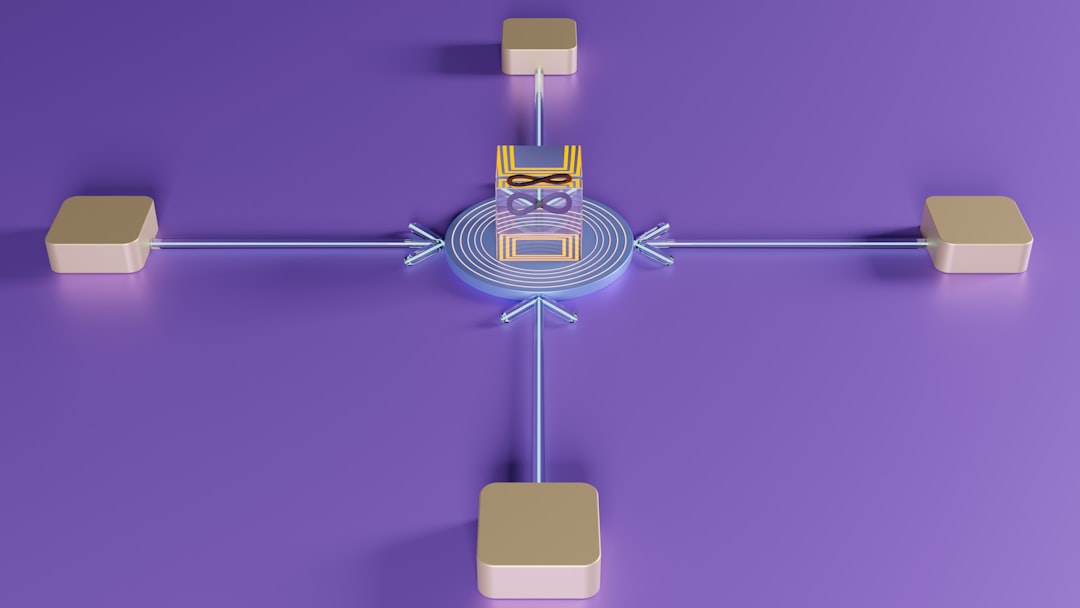
These platforms do everything. Mapping. Feedback. Automation. CRM integration.
They help track the entire lifecycle. From first click to loyal customer.
They are larger investments. But powerful for scaling teams.
Features to Look For in a Journey Mapping Tool
Not all tools are equal. Here is what to look for:
- Easy interface – Simple is better.
- Templates – Save time.
- Collaboration features – Comments and shared editing.
- Integration options – Connect to analytics and CRM.
- Exporting options – Share visually with stakeholders.
- Customizable stages – Every business is different.
If a tool feels confusing, it defeats the purpose. Journey mapping should simplify complexity, not add to it.
How to Create a Simple Journey Map
You do not need fancy software to begin. Start simple.
Step 1: Pick a Persona
Focus on one real customer type. Give them a name. Make them human.
Step 2: Define the Goal
What are they trying to achieve? Buy a product? Sign up for a demo?
Step 3: List the Touchpoints
Where do they interact with you? Ads. Landing pages. Emails. Support.
Step 4: Track Emotions
Write down how they feel at each step.
Step 5: Highlight Pain Points
Circle the friction. These are your improvement opportunities.
Once this rough map is done, you can move it into a digital tool for clarity.
Common Mistakes to Avoid
Journey mapping sounds simple. But teams often get it wrong.
1. Making It Too Complicated
If it looks overwhelming, no one will use it.
2. Ignoring Real Data
Assumptions can mislead. Use surveys and analytics when possible.
3. Forgetting Emotions
Experience is not just actions. It is feelings.
4. Treating It as a One-Time Task
Customer behavior changes. Your map should too.
How Journey Mapping Improves Business Results
This is not just a design exercise. It affects the bottom line.
Here is how:
- Higher conversions – Fixing friction increases sales.
- Better retention – Happy users stay longer.
- Stronger alignment – Teams work toward shared insights.
- Smarter marketing – Messaging matches real needs.
Companies that invest in user experience often outperform competitors. Because they listen. They observe. They adjust.
Journey Mapping for Different Industries
This process is flexible. It works everywhere.
Ecommerce
Focus on browsing, cart experience, and checkout flow.
SaaS
Pay attention to onboarding, feature adoption, and renewals.
Healthcare
Map appointment booking, communication, and follow-up care.
Education
Track enrollment, course access, and student support.
Every industry has unique stages. But the goal stays the same. Improve the user’s experience.
The Emotional Side of Journey Mapping
This is where things get powerful.
When you see frustration points clearly, you feel empathy. When you see confusion, you want to simplify. When you see delight, you want to repeat it.
Journey mapping builds empathy inside organizations. It reminds teams they are serving real people.
And empathy leads to better design.
Keeping Your Maps Alive
A journey map should not collect digital dust.
Review it regularly. Update it quarterly if possible.
Ask:
- Have new channels been added?
- Has customer behavior shifted?
- Are there new pain points?
Make updates part of your workflow. This keeps your strategy aligned with reality.
Final Thoughts
Customer journey mapping tools are not just nice visuals. They are clarity tools. They transform chaos into understanding.
They help you see what your customers see. Feel what they feel. Experience what they experience.
When you visualize the journey, you uncover opportunities everywhere. Small tweaks. Big wins.
Start simple. Pick a tool that fits your team. Focus on clarity over complexity.
Because when you understand the journey, you can design a better destination.