Choosing a tattoo is a permanent decision, but the design process does not have to be. Thanks to advances in mobile apps and digital design tools, you can now experiment with different tattoo styles, sizes, and placements before committing to ink. These apps combine augmented reality, customizable templates, and artist-created artwork to help you visualize how a tattoo will look on your body—reducing uncertainty and increasing confidence in your final choice.
TLDR: Tattoo design apps allow you to test styles, placements, and sizes before making a permanent decision. The best platforms combine augmented reality previews, large design libraries, and customization options. InkHunter, Tattoodo, Procreate, and Adobe Fresco stand out for different reasons, from realistic previews to full creative control. Choosing the right app depends on whether you want quick visualization or detailed artistic freedom.
Below is a detailed look at four reliable tattoo design apps that let you experiment with styles and placement in a thoughtful, professional way.
Contents
Why Use a Tattoo Design App Before Getting Inked?
A tattoo may last a lifetime. A digital mockup lasts seconds. That contrast alone makes design apps valuable. Before diving into specific tools, it is important to understand what makes them useful:
- Placement Testing: Visualize how a design looks on your forearm, back, ribcage, or ankle.
- Scaling: Adjust the size to see if subtle or bold better suits your anatomy.
- Style Exploration: Compare minimalist line work with watercolor, traditional, or realism styles.
- Reference Creation: Save designs to show a professional tattoo artist for refinement.
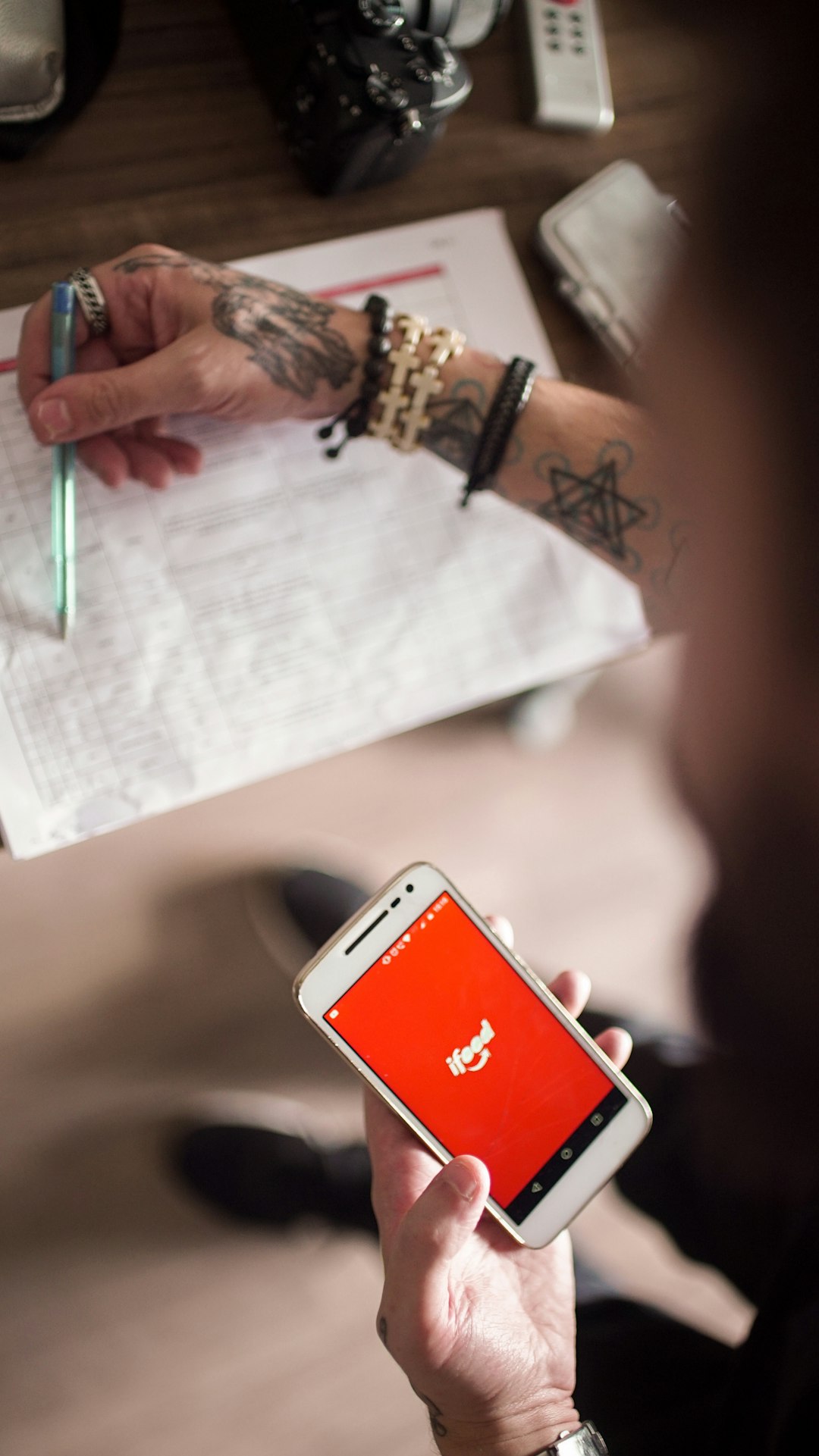
The following four apps have earned credibility for reliability, design flexibility, and user experience.
1. InkHunter
Best for realistic augmented reality placement previews.
InkHunter is widely regarded as one of the first apps to bring practical augmented reality (AR) tattoo previews to mainstream users. It allows you to point your smartphone camera at your body and display a tattoo design as if it were already inked on your skin.
Key Features
- AR tattoo preview in real time
- Upload your own design or choose from built-in options
- Resize and reposition directly on the screen
- Works on both iOS and Android
Strengths
InkHunter’s standout feature is realism. Designs move naturally with your body’s contours, which helps simulate how a tattoo will look when you bend or rotate your arm. This makes it significantly more useful than static mockups.
Limitations
The built-in design library is modest. If you are seeking complex custom work, you may need to upload your own artwork.
Who it’s best for: Individuals who already have a concept and want to test placement before visiting a professional artist.
2. Tattoodo
Best for inspiration and exploring professional-level designs.
Tattoodo functions as a hybrid between a design inspiration platform and a community marketplace. While it does not focus heavily on AR previews, it excels in providing exposure to thousands of high-quality tattoo designs created by professional artists worldwide.
Key Features
- Large curated gallery of tattoo designs
- Search by style (traditional, Japanese, realism, blackwork, fine line)
- Artist discovery and booking features
- Save and organize inspiration boards
Strengths
Tattoodo offers a serious advantage: design credibility. Rather than browsing random internet images, you are viewing artwork credited to experienced tattoo artists. This promotes higher design standards and better understanding of what translates well to skin.
Limitations
It lacks strong placement visualization tools compared to AR-based apps.
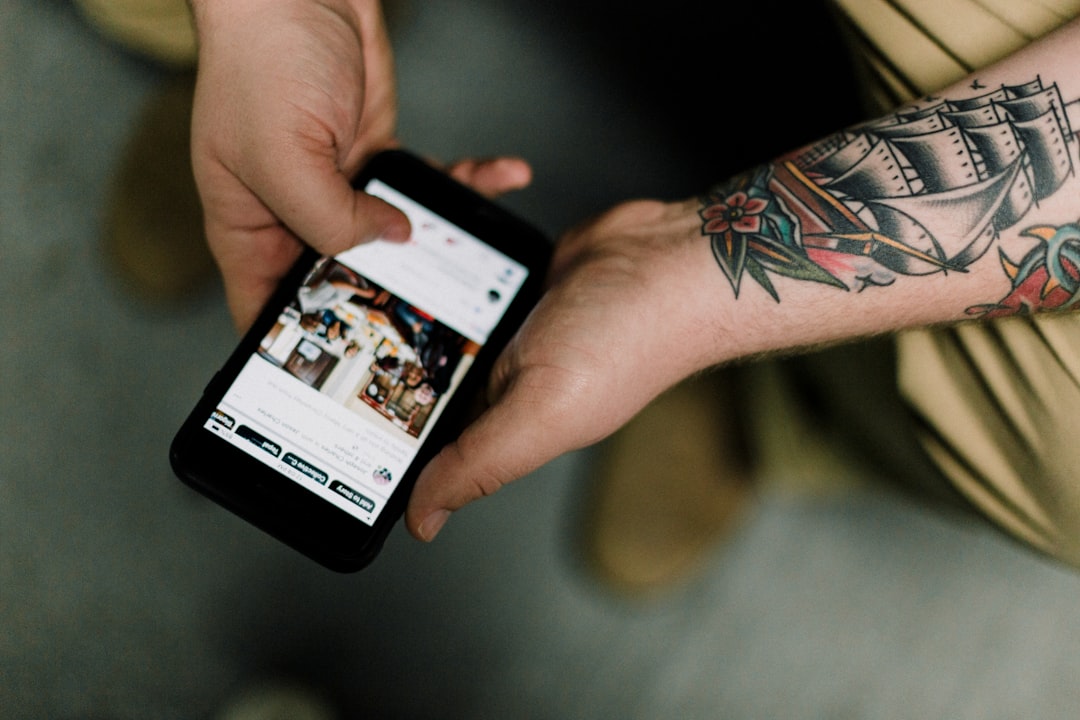
Who it’s best for: Users in the early inspiration phase who want professionally vetted tattoo concepts.
3. Procreate
Best for full creative control and custom tattoo creation.
Procreate is not specifically a tattoo app, but many professional tattoo artists use it for sketching and concept development. Available on iPad, it offers advanced drawing tools and precision control for crafting fully customized tattoo designs.
Key Features
- High-resolution canvas support
- Layer-based editing system
- Customizable brushes
- Precise line stabilization tools
Strengths
If you have artistic ability—or are collaborating closely with a designer—Procreate provides unmatched flexibility. You can experiment with shading, composition, line thickness, and intricate detailing while maintaining professional-grade resolution.
Limitations
There is no automatic AR placement tool built in. Placement mockups must be done manually by importing a photo of the body and layering the design over it.
Who it’s best for: Artists, designers, or clients seeking fully original custom tattoo artwork.
4. Adobe Fresco
Best for realistic brush effects and artistic experimentation.
Adobe Fresco brings natural media simulation—such as watercolor and oil brushes—into digital tattoo concept creation. For those considering painterly or illustrative tattoo styles, this app allows experimentation in a highly realistic format.
Key Features
- Live brushes that simulate watercolor spread
- Vector and raster combination workflow
- Cloud syncing across devices
- Compatibility with other Adobe tools
Strengths
Fresco shines when exploring artistic styles that move beyond simple linework. It allows users to test color blending and texture-heavy concepts that can later be refined by a tattoo professional.
Limitations
Like Procreate, it does not include built-in AR placement functionality. It is more of a design studio than a visualization tool.
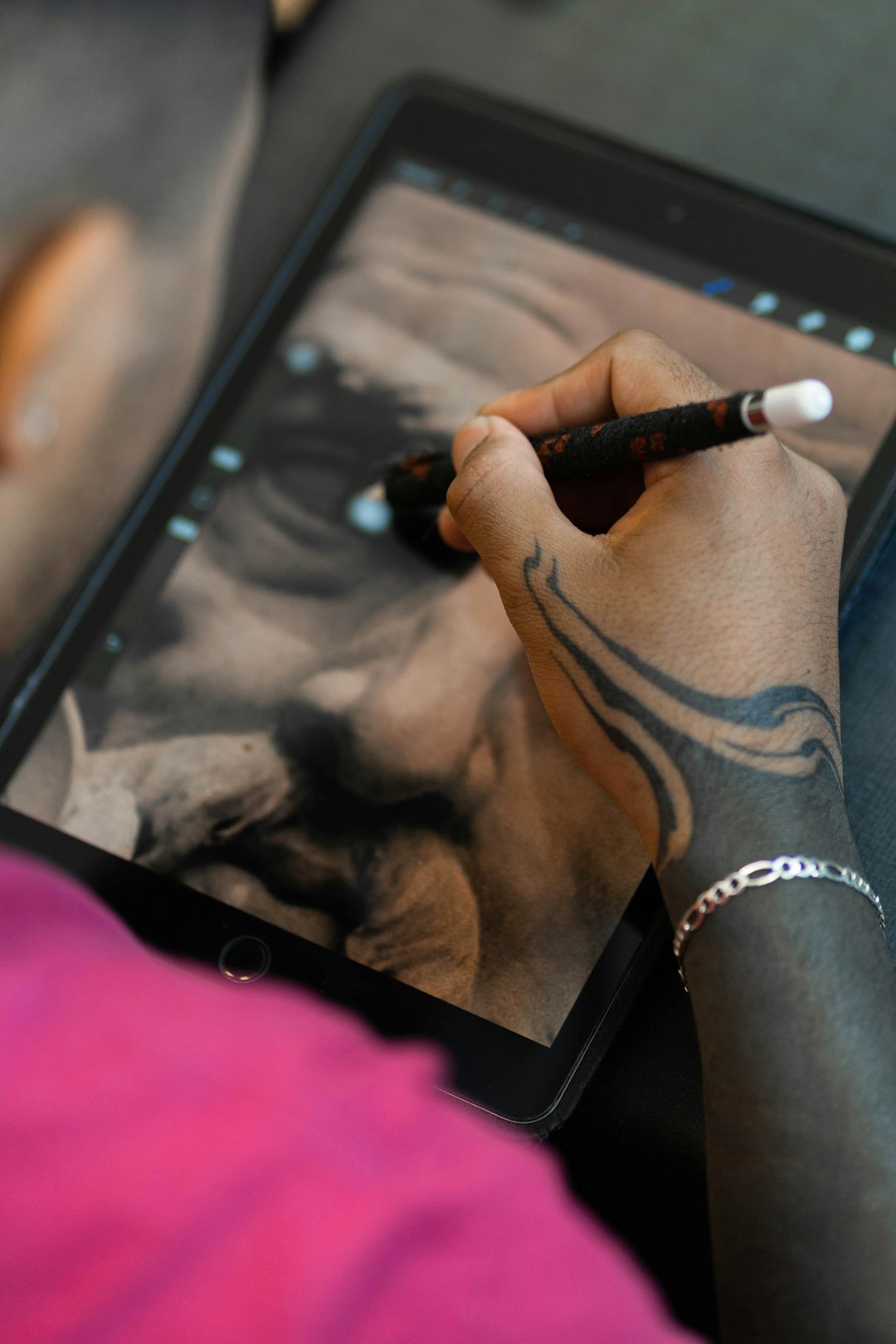
Who it’s best for: Individuals considering color-rich or illustrative tattoo concepts who want to test artistic direction first.
Comparison Chart
| App | Best For | Placement Preview | Design Customization | Skill Level Required |
|---|---|---|---|---|
| InkHunter | Realistic AR previews | Yes (AR) | Moderate | Beginner |
| Tattoodo | Professional inspiration | Limited | Low | Beginner |
| Procreate | Custom tattoo creation | Manual only | Very High | Intermediate to Advanced |
| Adobe Fresco | Painterly experimentation | Manual only | High | Intermediate |
How to Choose the Right Tattoo App for You
When deciding which of these apps suits your needs, consider the following:
- If you are uncertain about placement: Choose an app with AR functionality, such as InkHunter.
- If you are exploring artistic styles: Start with Tattoodo for inspiration.
- If you want a fully custom design: Opt for Procreate or Adobe Fresco.
- If you want to collaborate with an artist: Use any of the design-focused apps to produce a clear visual reference before booking an appointment.
Remember, these apps are preparatory tools—not substitutes for professional tattoo artists. Skin tone, body contours, needle technique, and ink aging all influence final results. A credible artist will refine your concept for longevity and anatomical harmony.
Final Considerations Before Committing
Digital experimentation reduces risk, but permanence remains a serious commitment. Before finalizing your tattoo:
- View the design at actual size, not just zoomed in.
- Examine how it looks from multiple angles.
- Consider how it fits with future tattoos.
- Consult a licensed professional artist for feasibility.
The ability to test a design virtually offers peace of mind. Instead of guessing how a sleeve, minimalist script, or intricate mandala might look, you can see a realistic approximation beforehand. This level of preparation often leads to stronger collaboration with tattoo artists and more satisfying long-term results.
In an industry built on permanence, thoughtful experimentation is not hesitation—it is responsibility. With the right tattoo design app, you can approach your decision with clarity, creativity, and confidence.