SEO reporting can feel boring. Charts. Numbers. Spreadsheets. Endless emails. But it doesn’t have to be that way. With the right apps, you can turn messy data into clean dashboards. You can impress clients. You can save hours every single week.
TLDR: SEO reporting does not have to be stressful. The right tools help you automate reports, build clean dashboards, and keep clients happy. In this article, we cover four powerful apps that make SEO reporting simple and even fun. We also compare them so you can quickly choose the best fit for your workflow.
Let’s explore four apps that make SEO reporting and client dashboard management simple, visual, and efficient.
Contents
1. Google Looker Studio (Formerly Data Studio)
If you love customization, you will love Google Looker Studio.
It’s free. That’s a big win. But free does not mean limited.
You can connect it to:
- Google Analytics
- Google Search Console
- Google Ads
- BigQuery
- Third-party SEO tools
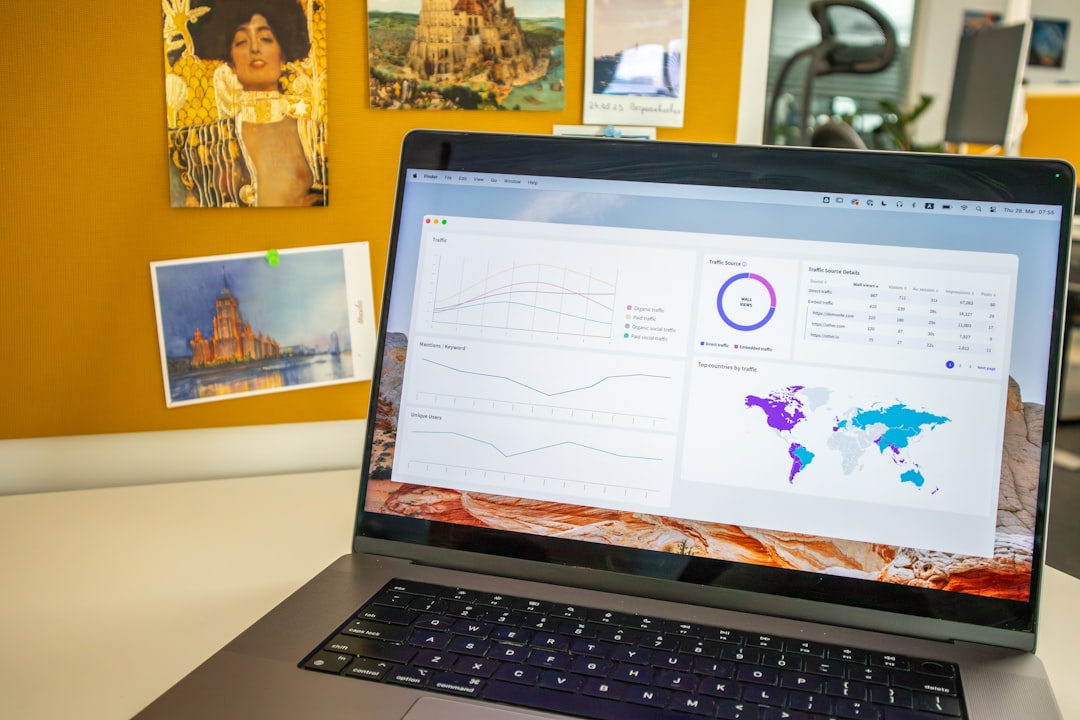
It turns raw data into visual dashboards. And the visual part matters. Clients understand graphs better than spreadsheets.
Why It’s Great
- Fully customizable dashboards
- Interactive charts and filters
- Shareable live links
- Automated updates
You build a report once. The data updates automatically. No more copying and pasting every month.
Things to Keep in Mind
There is a small learning curve. If you are new to data tools, the interface might feel overwhelming at first.
But once you understand it, you unlock serious power.
Best for: Agencies and freelancers who want full control over how reports look and function.
2. AgencyAnalytics
AgencyAnalytics is built specifically for marketing agencies.
That focus shows in everything it does.
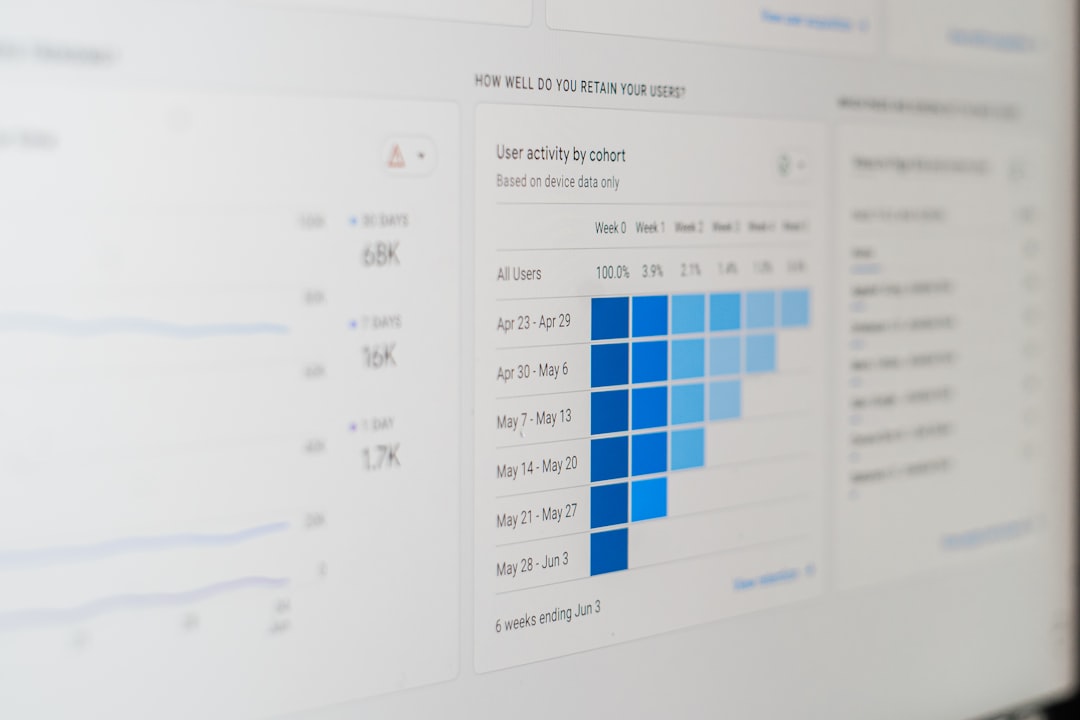
It connects to more than 70 marketing platforms. SEO. PPC. Social media. Email. Call tracking. All in one place.
No coding. No complex setup.
Why It’s Great
- Pre-built SEO reporting templates
- White-label dashboards
- Automated client reporting
- Rank tracking included
The white-label feature is a big deal. You can add your logo. Your brand colors. Your domain. Clients feel like the dashboard was built just for them.
You can also schedule automated reports. Weekly. Monthly. Whatever you want. The system sends polished PDFs directly to your clients.
Things to Keep in Mind
It’s not free. Pricing increases as you add more clients. For growing agencies, costs can rise quickly.
Best for: Agencies that want an all-in-one reporting tool with minimal setup time.
3. SEMrush My Reports
If you already use SEMrush for SEO research, this one makes sense.
SEMrush includes a powerful reporting feature called My Reports.
It pulls data directly from your SEMrush campaigns. No exporting required.
Why It’s Great
- Drag-and-drop report builder
- SEO, PPC, and competitor data in one place
- Branded PDF exports
- Custom templates
You can combine:
- Keyword rankings
- Site audit results
- Backlink data
- Traffic analytics
All inside one clean document.
The drag-and-drop builder is simple. You choose widgets. Rearrange them. Generate the report. Done.
Things to Keep in Mind
It works best if your data lives inside SEMrush. If you use many outside tools, integration is more limited than other dashboard apps.
Best for: SEO specialists already invested in SEMrush who want streamlined internal reporting.
4. DashThis
DashThis is built for simplicity.
No complex setup. No confusing menus.
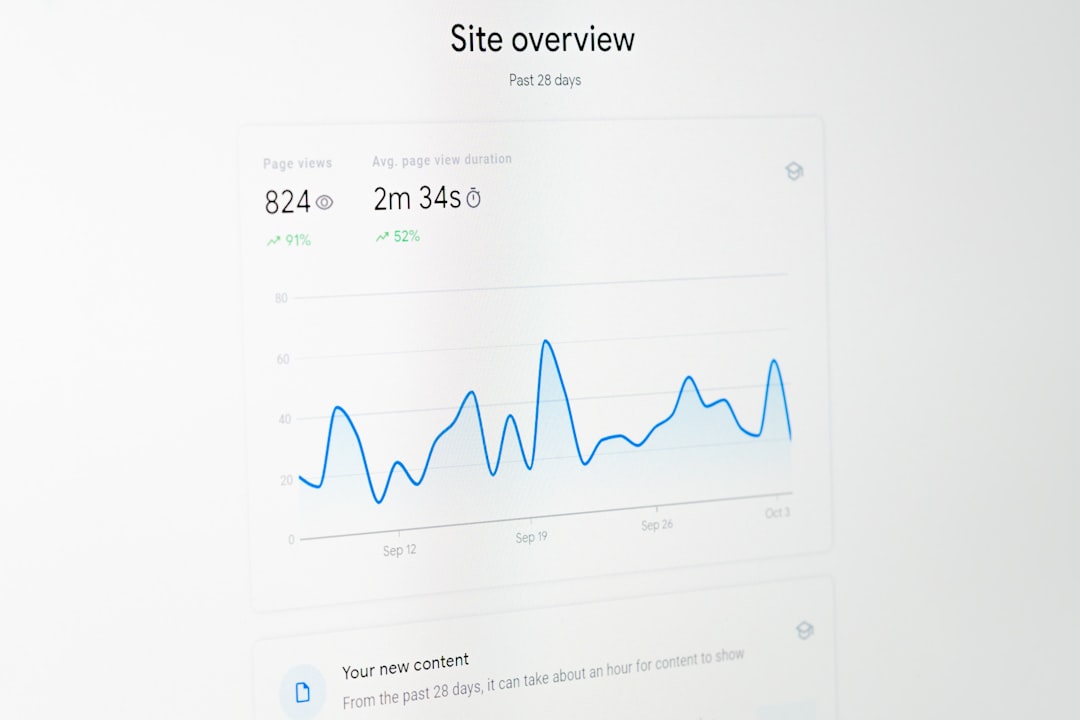
You connect your platforms. Choose a template. Customize. Share.
Why It’s Great
- Extremely beginner-friendly
- Fast dashboard creation
- Preset KPI widgets
- White-label options
It offers preset dashboard templates for SEO, PPC, and social campaigns. This saves time. A lot of it.
Instead of designing from scratch, you adapt what already works.
Things to Keep in Mind
Customization is simpler than Looker Studio. That makes it easier. But also slightly less flexible.
Best for: Marketers who want fast dashboards without technical complexity.
Quick Comparison Chart
| Tool | Best For | White Label | Ease of Use | Price Range |
|---|---|---|---|---|
| Google Looker Studio | Custom advanced dashboards | Limited | Moderate | Free |
| AgencyAnalytics | Agencies managing many clients | Yes | Easy | Mid to High |
| SEMrush My Reports | SEMrush users | Yes | Easy | Included with subscription |
| DashThis | Simple quick dashboards | Yes | Very Easy | Mid |
What to Look for in an SEO Reporting App
Not all tools fit every workflow. Before choosing one, ask yourself a few simple questions.
1. Do You Need Automation?
If you send reports manually every month, you waste time. Automation is key. Look for scheduled email reports and auto-refreshing dashboards.
2. Do You Manage Multiple Clients?
White-label features matter if you run an agency. Branding builds trust. It also looks more professional.
3. How Technical Are You?
If you like deep customization, choose flexibility. If you prefer simple tools, choose ease of use.
4. Does It Integrate With Your Stack?
Your dashboard is only as good as its integrations. Make sure it connects to your SEO tools, analytics platforms, and ad accounts.
Why Great Dashboards Keep Clients Longer
Here’s something many people forget.
Clients don’t just want results. They want clarity.
If they cannot understand your reports, they start to doubt the value of your work.
Clear dashboards:
- Show progress over time
- Highlight wins
- Expose issues early
- Build trust
And trust keeps contracts alive.
When a client logs into a clean dashboard and instantly sees keyword growth or traffic improvements, the conversation changes. It moves from “What are we paying for?” to “How can we scale this?”
Making Reporting Fun (Yes, Really)
Reporting does not have to feel like homework.
You can make it engaging.
Try this:
- Use color to highlight improvements
- Add short written insights beside graphs
- Show month-over-month comparisons
- Focus on business outcomes, not just rankings
Remember. A #3 keyword ranking is nice. But increased leads are better.
Connect SEO metrics to revenue whenever possible. That’s what clients care about most.
Final Thoughts
SEO reporting is more than a task. It is communication.
The right app saves time. But more importantly, it tells a story.
- Want full customization? Choose Google Looker Studio.
- Run an agency? AgencyAnalytics may be perfect.
- Love SEMrush? Use My Reports.
- Prefer simplicity? Go with DashThis.
Start small if you need to. Build one clean dashboard. Improve it over time.
Soon, reporting will no longer feel like a chore.
It will feel like showing off your hard work.
And that is exactly what great SEO reporting should do.