In a world that thrives on mobility and digital convenience, the need for efficient, powerful mobile document editing has become more critical than ever. Professionals, students, and creatives no longer operate solely from behind desks. Instead, they move, adapt, and demand full productivity—anywhere, anytime, and on any device.
TL;DR: Mobile document editing has matured from basic note-taking and formatting into a comprehensive productivity solution that rivals desktop alternatives. With the help of cloud services, AI tools, and touch-optimized user interfaces, users can now create, edit, and collaborate on documents with ease while on the go. This evolution empowers professionals to stay productive regardless of location. As technology continues to improve, the divide between mobile and desktop editing is rapidly disappearing.
Contents
The Rise of Mobile Document Editing
Mobile document editing wasn’t always a smooth experience. In the early days, apps offered only basic functionality—think viewing documents and making minor tweaks. Now, mobile tools have grown into full-featured platforms, offering capabilities like:
- Real-time collaboration
- Integration with cloud storage
- Advanced formatting tools
- Offline editing and auto-sync
- AI-assisted grammar checks and suggestions
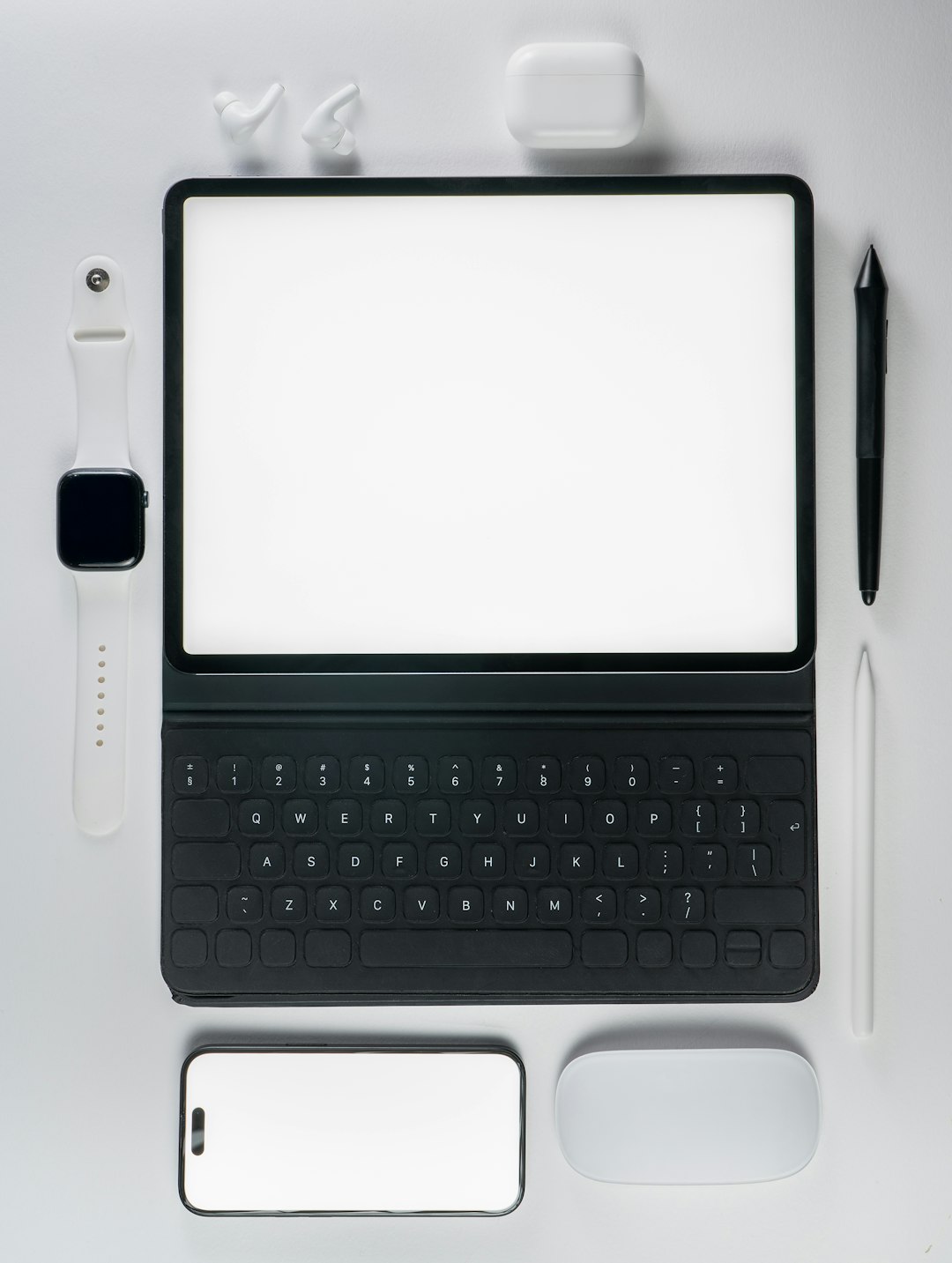
Recent advancements in both software and hardware have created a synergy that makes mobile document editing a joy rather than a compromise. High-resolution screens, powerful processors, and stylus support in modern devices allow users to engage in complex tasks such as formatting spreadsheets or editing research papers—all from a smartphone or tablet.

Key Factors Fueling the Evolution
Several trends and innovations drive the transformation of mobile document editing into a robust tool for serious users:
1. Cloud Integration
Cloud storage platforms such as Google Drive, Dropbox, and OneDrive have become central to the mobile editing experience. Users can easily:
- Access documents across devices
- Share files in real time
- Collaborate with others regardless of location
With auto-saving and version history features, working on documents via mobile is now as safe and error-proof as using a desktop setup.
2. AI-Powered Assistance
Many mobile editing apps now offer AI-powered tools that go beyond spelling corrections. These include:
- Smart writing suggestions
- Context-based grammar refinement
- Voice-to-text capabilities
By integrating natural language processing algorithms, these tools enhance productivity by minimizing the time spent on refining edits manually.
3. Seamless Multiplatform Synchronization
Users often move between devices in a single day—starting a report on their laptop, reviewing it on their tablet, and making final edits from their phone. Platforms like Microsoft Office 365 and Google Workspace make this possible through real-time syncing and smart user interfaces tailored for touch and smaller screens.
4. Touch and Voice Interfaces
Touch-optimized features such as drag-and-drop, pinch-to-zoom, and sketching make editing intuitive, especially on tablets with stylus support. Users can now:
- Highlight text naturally using a finger or stylus
- Dictate notes using voice input
- Quickly navigate using gestures
Use Cases Transforming Productivity on the Go
This new generation of mobile document editing has unlocked possibilities in various sectors. Here are some practical use cases:
Business Professionals
Busy executives and remote workers rely on mobile document editing to review proposals, update presentations, and respond to feedback during travel or meetings. Immediate access to working files ensures faster decision-making and improved collaboration.
Students and Educators
Whether taking lecture notes, editing assignments, or collaborating on group projects, mobile editing tools help students work efficiently even during commutes or between classes. Teachers, too, can provide feedback quickly without needing to sit at a desk.
Freelancers and Creators
Writers, designers, and content creators often work in fluid environments. Mobile editing apps provide the flexibility to brainstorm, draft, and polish creative work from cafés, coworking spaces, or even outdoors.
Popular Mobile Editing Tools to Know
Several apps have emerged as top choices for mobile document editing thanks to their flexibility and robust features:
- Google Docs: Seamless cloud syncing, strong collaboration tools, and integration with other Google Workspace apps.
- Microsoft Word: Professional-grade formatting tools and deep integration with Office 365.
- Apple Pages: Intuitive interface and great for iOS users, offering advanced layout options.
- Zoho Writer: A well-rounded alternative with offline support and e-signing capabilities.
- Notion & Coda: All-in-one tools that combine document editing with database features and workflow automation.
The Future of Mobile Document Editing
The momentum is clear—mobile document editing isn’t just a convenient afterthought anymore. It’s becoming central to how content is created and shared. In the future, users can expect:
- Deeper AI integration for predictive writing and adaptive formatting
- Better offline functionality for on-the-go reliability
- Extended support for multimedia content like embedded video and audio
- Increased compatibility with third-party productivity apps
As 5G networks expand and mobile device capabilities grow, the line between mobile and desktop editing will blur even further—ushering in an era where working on the go is no limitation at all.
FAQs
- Q: Are mobile editing apps as powerful as their desktop versions?
A: While mobile apps may lack some advanced desktop features, they now offer most key functionality needed for document creation, editing, and collaboration, making them sufficient for everyday use. - Q: Can I work offline with mobile document editors?
A: Yes, many apps like Google Docs, Microsoft Word, and Zoho Writer offer offline modes where changes sync once you’re back online. - Q: Is my data safe when editing documents via mobile?
A: Most top platforms use end-to-end encryption and secure cloud storage. However, using secure Wi-Fi and enabling two-factor authentication is always recommended. - Q: Which mobile app is best for collaborative editing?
A: Google Docs stands out for real-time collaboration, though Microsoft Word and Zoho Writer are also excellent options depending on your ecosystem. - Q: Do I need a stylus for effective mobile editing?
A: A stylus enhances precision, especially for markup and notes, but it’s not necessary. Finger navigation and voice input can also offer a smooth editing experience.