Running a small business team can feel like juggling flaming torches. Messages fly everywhere. Tasks get lost. Emails pile up. That is why tools like HiBox get so much attention. In this review, we break down five simple insights that small business teams should know before jumping in.
TLDR: HiBox is an all-in-one team collaboration tool that mixes chat, task management, and video meetings in one place. It works best for small teams that want simplicity over complexity. The built-in task system is a standout feature. However, teams that need deep integrations or advanced reporting may find it limiting.
Contents
1. HiBox Keeps Everything in One Spot
One of the biggest wins with HiBox is simplicity. You get chat, tasks, and video calls together. No constant app switching. No endless browser tabs.
For small teams, this matters a lot. Every extra tool adds stress. And cost. HiBox tries to cut that clutter.
Inside the app, you’ll find:
- Team chat rooms
- Private messaging
- Task assignments
- Due dates and reminders
- Built-in video meetings
It feels like a mix of Slack, Trello, and Zoom. But in a lighter package.
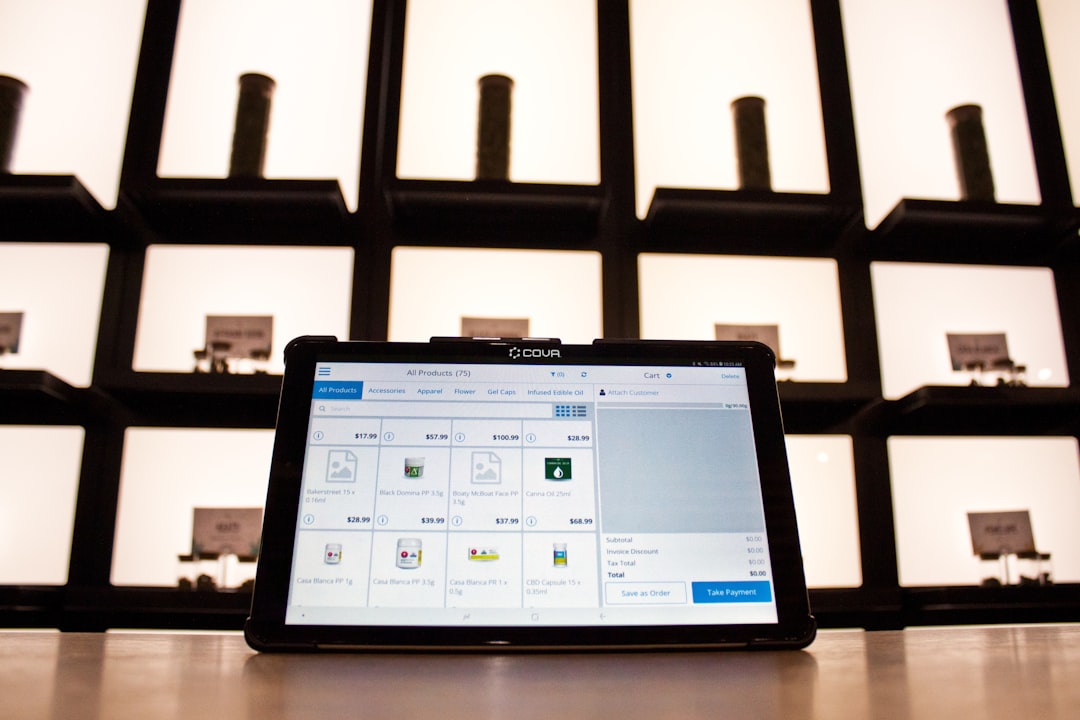
Small teams often don’t need super complex systems. They need clarity. HiBox does a good job of keeping the layout simple and clean.
Insight: If your team gets overwhelmed by too many tools, HiBox can reduce digital noise.
2. The Task Management Feature Is the Real Star
Chat apps are everywhere. But HiBox goes deeper with tasks.
Inside any chat conversation, you can turn a message into a task. That is powerful. It means ideas don’t get buried in conversation threads.
Here’s what you can do with tasks:
- Assign tasks to specific teammates
- Set deadlines
- Add descriptions
- Track progress
- Get automatic reminders
This works especially well for small marketing teams, startups, and remote groups. Instead of saying, “Hey, don’t forget to do that thing,” you just create a task on the spot.
The task dashboard gives you a quick overview. You can see what’s pending. What’s overdue. And what’s completed.
Simple systems create consistent results. That is where HiBox shines.

Insight: If your team struggles with accountability, HiBox helps turn conversations into action.
3. Video Meetings Are Convenient, But Basic
HiBox includes built-in video conferencing. This is great for quick team meetings. You don’t need a separate Zoom link. Everything happens inside the platform.
For small teams, this saves time. Especially remote teams.
But here’s the honest part. The video feature is functional. Not fancy.
You get:
- Group video calls
- Screen sharing
- Scheduling options
What you don’t get are advanced webinar tools. No flashy backgrounds. No deep analytics.
For daily standups and weekly meetings, it works just fine. For large events or client webinars, you might still need a dedicated video platform.
Insight: HiBox video is perfect for internal collaboration. It is not built for large-scale broadcasting.
4. User Experience Is Friendly for Non-Tech Teams
Some collaboration tools feel like flying a spaceship. Buttons everywhere. Complicated setup. Confusing permissions.
HiBox is not like that.
The interface feels approachable. Even if your team is not tech-savvy.
Onboarding is quick. Many small teams report they can get started in a single afternoon. That matters. Because the longer a setup takes, the less likely your team will use it.
Here’s why usability stands out:
- Clean dashboard design
- Clear navigation menu
- Minimal learning curve
- Easy task creation
Small business owners often wear many hats. You are the manager. The marketer. The accountant. The support desk. You don’t have time to learn a complex system.
HiBox respects that reality.

Insight: If your team avoids complicated software, HiBox’s simplicity is a big advantage.
5. Pricing and Scalability: Great for Small, Growing Teams
Budget matters. Especially in small businesses.
HiBox is generally more affordable than combining multiple subscription tools. Instead of paying separately for chat, task management, and video software, you bundle them together.
That can lead to savings over time.
However, scalability is something to think about.
As your company grows, you may need:
- Advanced workflow automation
- Deep integrations with CRM or finance tools
- Complex reporting dashboards
- Enterprise-level security layers
HiBox covers the basics well. But it is not a heavy enterprise system.
This is not necessarily a bad thing. In fact, many small teams prefer tools that stay focused.
Growth is good. Tool chaos is not.
Insight: HiBox is strongest for teams under 50 people who want structure without complexity.
Bonus Insight: Communication Culture Still Matters
No app fixes poor communication habits.
You can have the best software in the world. But if your team ignores tasks, avoids updates, or never checks messages, nothing works.
HiBox gives you structure. But your culture drives results.
To get the most from HiBox:
- Set clear response time expectations
- Use tasks instead of loose promises
- Hold short weekly review meetings
- Encourage organized chat channels
When combined with good habits, HiBox feels powerful. Without them, it becomes just another app.
Pros and Cons at a Glance
Let’s simplify everything.
Pros:
- All-in-one collaboration platform
- Strong built-in task management
- Simple and clean user interface
- Budget-friendly for small teams
- Quick setup and onboarding
Cons:
- Limited advanced integrations
- Basic video features
- Not ideal for large enterprises
- Reporting features are fairly simple
Is HiBox Right for Your Small Business Team?
Ask yourself a few quick questions:
- Is your team overwhelmed by too many tools?
- Do tasks often get lost in chat conversations?
- Do you want one simple system instead of five?
- Are you a small or mid-sized team?
If you answered “yes” to most of these, HiBox could be a strong fit.
If you need advanced automation, heavy analytics, or complex integrations, you may outgrow it.
The key takeaway is this:
HiBox is built for simplicity and action.
It helps small teams communicate clearly. It turns messages into measurable tasks. It keeps meetings inside the same space.
In a world full of bloated software, that kind of focus feels refreshing.
Final Thoughts
Small business teams do not need complicated systems. They need tools that support momentum. Tools that reduce friction. Tools that help people do their best work without confusion.
HiBox leans into that philosophy.
It may not be the biggest name in collaboration software. But sometimes, smaller and simpler wins the race.
If your team values clarity, accountability, and ease of use, HiBox is worth a serious look.
Because at the end of the day, success is not about having more tools.
It is about using the right ones well.