Instagram Reels have become one of the platform’s most highly engaging features, transforming the way users create and consume short-form video content. Thanks to their visually rich format and algorithmic boost, Reels offer a tremendous opportunity for users, influencers, and brands to reach wider audiences. But how much time do you really have to get your message across in a Reel? Let’s explore the time constraints for this dynamic content format, along with some useful tips and updates that can help you make the most out of every second.
Contents
TLDR:
Instagram Reels can now be up to 90 seconds long for most users, with select accounts able to create Reels up to 15 minutes. This is a significant increase from the original 15-second limit. The flexibility allows for more creative storytelling and deeper engagement. However, certain features may vary depending on your account type or whether you’re using the mobile or web app.
How Instagram Reels Have Evolved
When Instagram first introduced Reels in August 2020, it was widely seen as a response to the booming popularity of TikTok. Initially, users were restricted to 15-second clips. Since then, Instagram has gradually expanded the time limit—first to 30 seconds, then 60 seconds, and most recently to 90 seconds, with additional extended options for some content creators and professional accounts.
This is a game-changer. The shift from quick, snappy clips to more in-depth mini-videos opens new creative avenues, whether you’re demonstrating a recipe, sharing a travel story, or presenting a product walkthrough.
Current Time Limits Based on User Type
The length of your Instagram Reel may vary depending on your account type, app version, and platform. Here’s a breakdown:
- Regular Users: Up to 90 seconds per Reel
- Creators and Business Accounts: Some may have access to Reels up to 15 minutes
- Instagram Web App: Generally follows the same guidelines, though uploading longer Reels may be smoother from the mobile app
Instagram is rolling out updates continuously, so if you don’t yet have access to the latest time limit, keep your app updated and be on the lookout for changes.
How to Check Your Maximum Reel Length
Wondering how to know what your current maximum Reel duration is? Here’s a step-by-step guide:
- Open the Instagram app on your phone
- Tap the ‘+’ icon to create a new post
- Swipe to select ‘Reel’
- Look at the timer options on the left-hand side — available time limits (e.g., 15, 30, 60, 90 seconds or more) will appear
If you see an option beyond 90 seconds, congratulations — you’re part of the extended Reels program!
Why Reels’ Time Limit Matters
Time is more than just minutes and seconds — it’s a storytelling constraint that both limits and liberates creativity. The need to deliver a compelling message within a limited span challenges creators to be more focused, dynamic, and innovative. At the same time, longer Reels allow for:
- More detailed tutorials: Makeup routines, cooking recipes, DIY projects
- Deeper storytelling: Travel vlogs, mini-documentaries, or testimonials
- Product deep-dives: In-depth features, benefits, and user reviews
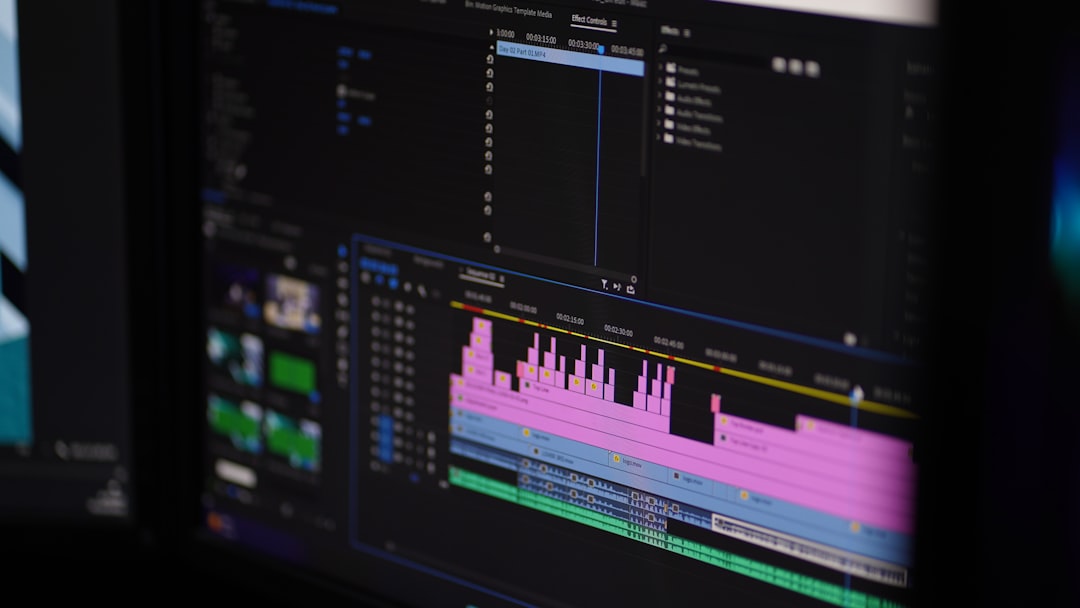
However, with more time comes greater responsibility—to maintain viewer interest. The longer the content, the more essential it is to keep it engaging throughout.
Effect on Engagement: Short vs. Long Reels
Does length affect engagement? Yes, absolutely. There’s a trade-off between delivering more content and retaining your audience’s attention. According to social media analytics:
- Reels under 30 seconds often receive higher completion rates
- Reels between 60-90 seconds may allow for richer storytelling, which can increase shares and saves
- Very long Reels (10-15 minutes) can capture niche interest but risk lower retention if not engaging
The key is to know your audience. Someone looking for a quick laugh might not stick around for a 10-minute tutorial, while a fashion enthusiast might watch every second of an extended styling video.
Best Practices for Making the Most of Your Reel Time
Regardless of your Reel’s length, success comes down to execution. Here are some best practices to maximize your content’s performance:
- Hook your audience: Grab attention in the first 3 seconds. Use surprising visuals or strong text overlays
- Tell a story: Even in 30 seconds, a clear beginning, middle, and end strengthens engagement
- Use music and effects: Enhance your visual narrative with trending sounds and filters
- Include a call to action: Encourage likes, shares, or comments to boost visibility
- Always add captions: They make your video more accessible and help with comprehension
Remember—it’s not just about the duration. It’s about making every second count.
Upcoming Features and Potential Changes
Instagram is constantly evolving, and Reels are no exception. Some beta users are already testing out features like:
- Scheduling Reels in advance through Creator Studio or third-party tools
- Expanded editing tools like auto-captioning and voice effects
- In-app monetization metrics, helping creators understand how Reels contribute to income

As the platform competes in the ever-changing short-form video market, we can expect even more flexibility in Reel length and features in the near future. Stay ahead by keeping your app updated and following Instagram’s official blog for the latest announcements.
Conclusion: Time to Make the Most of Your Time
Instagram Reels have opened up an exciting space for creative expression, education, marketing, and storytelling. While time limits may initially seem like a restriction, they can actually drive innovation. With up to 90 seconds (or more) at your disposal, you can craft compelling content that educates, entertains, and engages your audience.
So, the next time you’re planning a Reel, be strategic. Know your target duration. Focus on quality and message delivery, and use these time limits to your advantage. Whether you’re running a brand or just love making videos, understanding Reel timing is your gateway to higher reach and better engagement.
Your story is only seconds away. Make them count!