Managing projects can feel like juggling flaming swords while riding a unicycle. Deadlines fly at you. Messages pile up. Files disappear. But the right project management app can turn chaos into calm. Even better, the best tools can boost workflow efficiency by up to 55% by cutting wasted time, improving communication, and keeping everyone aligned.
TLDR: The right project management app can dramatically improve your team’s speed and organization. Tools like Trello, Asana, ClickUp, Monday.com, Notion, and Wrike simplify communication and task tracking. They reduce confusion, automate repetitive work, and centralize information. The result? Faster delivery, happier teams, and up to 55% better workflow efficiency.
Let’s break down six powerful apps that make work smoother, faster, and way less stressful.
Contents
1. Trello – Simple Visual Workflow
Trello is like sticky notes on steroids. It uses boards, lists, and cards to organize tasks visually. If you love seeing everything at a glance, this one’s for you.

Why it works:
- Drag-and-drop task management
- Clear visual layout
- Quick collaboration with comments and file attachments
- Easy automation with Butler
You create boards for projects. Lists represent stages. Cards represent tasks. Move cards across lists as work progresses. Simple. Clean. Effective.
How it boosts efficiency: Trello reduces decision fatigue. Everyone knows what’s in progress, what’s done, and what’s blocked. No more guessing.
It’s perfect for small to mid-sized teams who want clarity without complexity.
2. Asana – Structured and Strategic
Asana is powerful yet approachable. It works well for teams juggling multiple moving parts.
Key features:
- Task dependencies
- Timeline view
- Workload management
- Goal tracking
Asana shines when projects have layers. You can break big goals into smaller tasks and subtasks. You can assign deadlines. You can track dependencies. Meaning tasks won’t start until others are done.
Why it increases workflow efficiency: Teams stop stepping on each other’s toes. Everyone understands sequencing. That alone can save hours each week.
Asana is great for marketing, product, and operations teams managing ongoing campaigns.
3. ClickUp – All-in-One Powerhouse
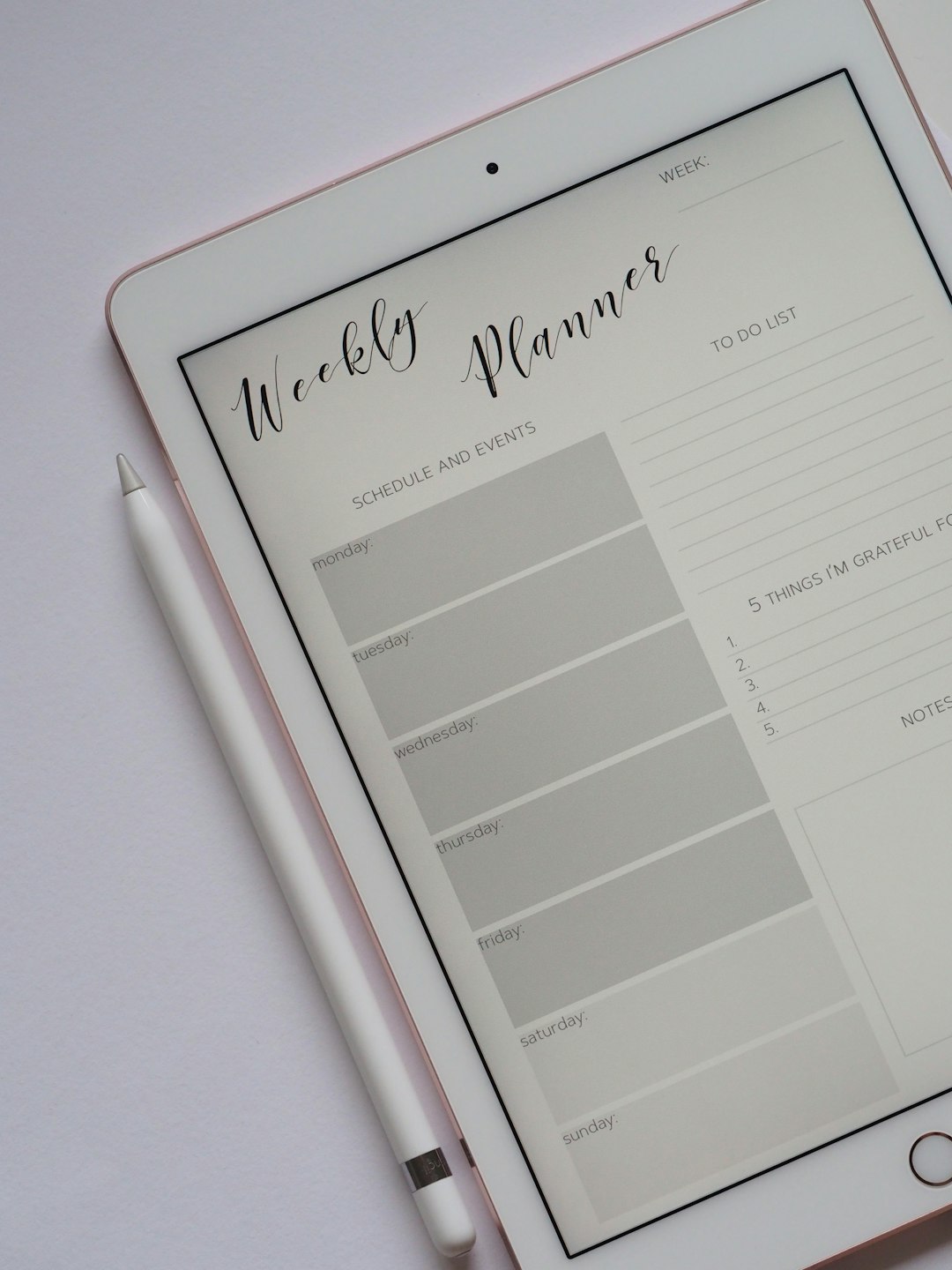
ClickUp markets itself as “one app to replace them all.” And it gets close.
Standout features:
- Multiple views: list, board, Gantt, calendar
- Built-in docs and whiteboards
- Time tracking
- Advanced automation
This is the Swiss Army knife of project management apps. You can manage sprints. Track time. Write documentation. Build workflows.
Efficiency boost factor: No more switching between five apps. Everything lives in one ecosystem. Context switching decreases. Productivity rises.
It’s excellent for fast-growing teams who need flexibility and control.
4. Monday.com – Visual and Customizable
Monday.com blends visual appeal with serious customization. It works well for diverse industries.
What makes it stand out:
- Colorful dashboards
- Custom workflow automation
- Multiple project views
- Easy reporting tools
Every board is customizable. You can track sales leads. Hiring processes. Software development. Content calendars.
How it improves workflow by 55%: Automation eliminates repetitive tasks. Status changes can trigger notifications. Deadlines can adjust automatically. That saves hours of manual updates.
It’s ideal for teams that love visuals and cross-department collaboration.
5. Notion – Flexible and Minimal
Notion combines notes, databases, tasks, and wikis into one sleek workspace.
Core strengths:
- Drag-and-drop page builder
- Custom databases
- Templates for everything
- Knowledge management
You can create project dashboards exactly how you want them. Add task boards next to documentation. Place timelines below meeting notes.
Efficiency advantage: Information stops scattering across tools. Documentation and tasks live together. Teams spend less time searching.
It’s perfect for startups and creative teams who want flexibility without rigid structure.
6. Wrike – Enterprise-Level Precision
Wrike is built for larger teams with complex needs.
Powerful features:
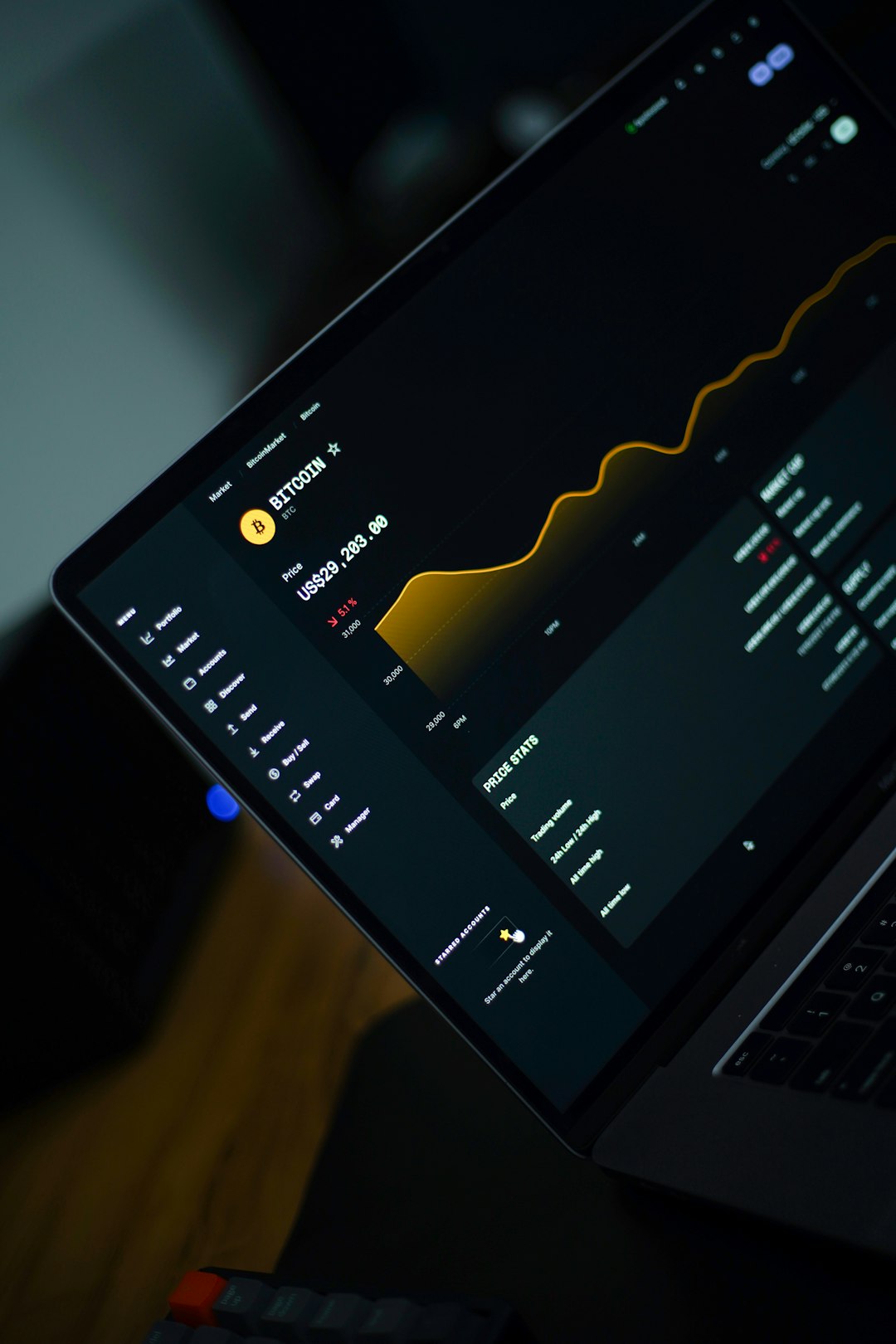
- Advanced reporting
- Real-time updates
- Resource management
- Custom workflows
Wrike excels at providing deep visibility. Managers can see workloads. Identify bottlenecks. Adjust priorities quickly.
Why it drives efficiency: Better data leads to smarter decisions. Projects don’t stall because problems are spotted early.
It’s best suited for enterprise teams handling large, multi-phase projects.
Quick Comparison Chart
| App | Best For | Ease of Use | Automation | Scalability |
|---|---|---|---|---|
| Trello | Small teams, simple workflows | Very Easy | Moderate | Medium |
| Asana | Structured project planning | Easy | Strong | High |
| ClickUp | All-in-one management | Moderate | Very Strong | Very High |
| Monday.com | Visual collaboration | Easy | Strong | High |
| Notion | Flexible documentation and tasks | Moderate | Basic | Medium |
| Wrike | Enterprise project control | Moderate | Advanced | Very High |
How These Apps Increase Workflow Efficiency by 55%
You might wonder. Where does the 55% improvement come from?
It’s not magic. It’s mechanics.
1. Reduced communication gaps
All updates live in one place. No chasing emails. No guessing status.
2. Task clarity
Clear ownership prevents duplication and confusion.
3. Automation
Repetitive tasks run themselves. Notifications happen automatically.
4. Visibility
Dashboards show progress instantly. Leaders make faster decisions.
5. Time tracking
Teams identify wasted effort and reallocate resources smarter.
When you combine all of this, small time savings add up. Ten minutes here. Twenty minutes there. Across weeks and entire teams, that becomes a 55% gain in operational smoothness.
How to Choose the Right One
Not every tool fits every team. Ask yourself:
- How complex are your projects?
- Do you need heavy automation?
- Is visibility more important than flexibility?
- What’s your team size?
If you want simplicity, choose Trello.
If you need structure, try Asana.
If you want all-in-one power, go ClickUp.
If you love bright dashboards, explore Monday.com.
If you value flexibility, pick Notion.
If you run enterprise projects, consider Wrike.
Start small. Test with one team. Measure improvements.
Final Thoughts
Work doesn’t have to feel overwhelming. The right project management app acts like a GPS for your tasks. It shows where you are. It shows where you’re going. And it reroutes you when something goes wrong.
Efficiency is not about working harder.
It’s about working smarter.
Choose a tool that fits your workflow. Train your team properly. Use automation wisely. Keep processes simple.
Do that, and a 55% efficiency boost won’t just be a possibility.
It will be your new normal.