YouTube is more competitive than ever. Viewers expect sharp cuts. Clean audio. Cool effects. Fast pacing. But editing can eat up hours of your life. That is where AI video editing software steps in. These tools help you edit faster, smarter, and with less stress.
TLDR: AI video editing tools can save you hours each week. They cut silence, remove filler words, add captions, and even suggest edits automatically. In this article, we explore four powerful platforms: Adobe Premiere Pro, Descript, CapCut, and Pictory. Each tool offers something unique depending on your skill level and content style.
Let’s break down four amazing AI video editing platforms made for YouTube creators. Simple tools. Smart features. Less headache.
Contents
1. Adobe Premiere Pro (With Adobe Sensei AI)
Adobe Premiere Pro is a giant in the video editing world. Many professional YouTubers use it. But what makes it exciting today is Adobe Sensei AI.
Adobe Sensei adds smart tools that speed up your workflow.
Key AI Features
- Auto Reframe: Automatically resizes your video for different platforms. Perfect for turning YouTube videos into Shorts.
- Scene Edit Detection: Finds cuts in your footage instantly.
- Speech to Text: Generates captions automatically.
- Auto Color: Corrects lighting with one click.
This tool is powerful. But it has a learning curve. Beginners may feel overwhelmed at first. Still, if you want full control and pro-level customization, this is your playground.
Image not found in postmetaWhy YouTubers Love It
- Works well for long-form content.
- Amazing color grading tools.
- Deep audio editing features.
- Handles large files smoothly.
Best For
Intermediate to advanced YouTubers. Especially those making tutorials, documentaries, tech reviews, or cinematic content.
Downside? It is subscription-based. And it takes time to master.
2. Descript
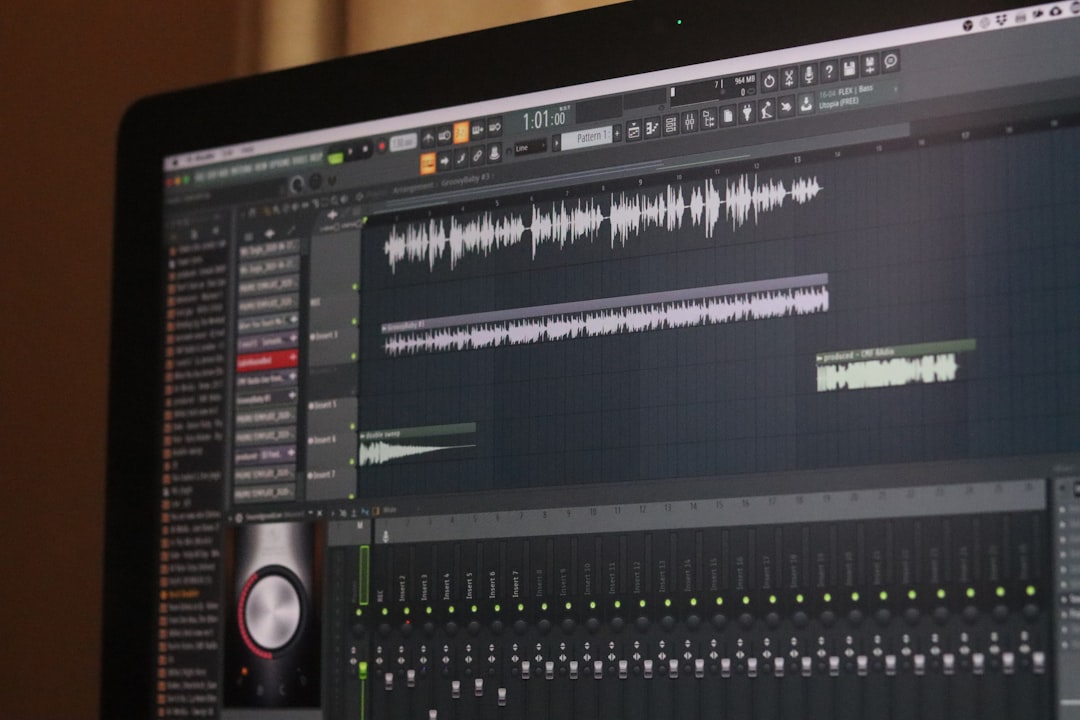
Descript feels like magic. It edits video like a Word document.
Yes. You read that right.
Upload your video. Descript transcribes it. Now you can delete words from the transcript to edit your video. Remove a sentence in text. The video cuts automatically.
Key AI Features
- Text-Based Editing: Edit video by editing text.
- Remove Filler Words: One click deletes “um” and “uh.”
- Overdub: AI voice cloning for fixing mistakes.
- Studio Sound: Improves audio quality instantly.
- Auto Captions: Fast and accurate subtitles.
This tool is a dream for talking-head YouTubers. Podcasters love it too.
Why YouTubers Love It
- Saves time editing interviews.
- Makes podcasts easy to repurpose for YouTube.
- No complex timeline needed.
- Beginner-friendly interface.
Best For
Talking-head videos. Commentary channels. Educational content. Interview-style content.
Downside? Not ideal for heavy visual effects. Limited advanced motion graphics.
3. CapCut (Desktop & Mobile)
CapCut exploded in popularity thanks to short-form content. But now it is a serious YouTube editing tool too.
It is simple. Clean. And surprisingly powerful.
Key AI Features
- Auto Captions: Stylish captions in seconds.
- Background Removal: No green screen needed.
- AI Auto Cut: Picks highlights automatically.
- Text to Speech: Natural-sounding AI voices.
- Template Library: Pre-built editing styles.
CapCut shines for creators who want speed. You can edit on desktop or mobile. Perfect for creators who move fast.

Why YouTubers Love It
- Great for YouTube Shorts.
- Fast learning curve.
- Trendy effects built in.
- Affordable pricing.
Best For
Short-form creators. Lifestyle vloggers. Gaming clips. Reaction videos.
Downside? Not as advanced as Premiere for complex projects.
4. Pictory
Pictory is different. It is built for automation.
You can paste a script or blog post. Pictory turns it into a video. Automatically.
Yes. It finds visuals. Adds music. Creates captions. Almost on autopilot.
Key AI Features
- Script to Video: Turns text into video.
- Auto Visual Matching: Picks stock footage for you.
- Caption Generation: Boosts engagement.
- Video Summaries: Turns long videos into short highlights.
Pictory is ideal for faceless channels.
Why YouTubers Love It
- No filming required.
- Fast production.
- Cloud-based platform.
- Beginner-friendly.
Best For
Faceless channels. Motivational content. Business explainers. Repurposing blogs into videos.
Downside? Limited creative control over detailed edits.
Quick Comparison Chart
| Platform | Best For | Ease of Use | AI Strength | Price Level |
|---|---|---|---|---|
| Adobe Premiere Pro | Professional long videos | Moderate to Hard | Advanced automation and color tools | High (Subscription) |
| Descript | Talking head and podcasts | Easy | Text based editing and audio cleanup | Moderate |
| CapCut | Short form and fast edits | Very Easy | Captions and auto cut | Low to Moderate |
| Pictory | Faceless automation | Very Easy | Script to video automation | Moderate |
How to Choose the Right One
Ask yourself a few simple questions.
- Do I enjoy detailed editing?
- Do I want automation?
- Am I making Shorts or long videos?
- Do I film myself or run a faceless channel?
If you love control and cinematic polish, go with Premiere Pro.
If you talk to the camera and want speed, pick Descript.
If you create trendy shorts, try CapCut.
If you want nearly automated content, choose Pictory.
Why AI Editing Is the Future of YouTube
Attention spans are short. Very short.
AI helps you cut dead space. It keeps your pacing tight. It adds captions. That boosts retention.
AI also reduces burnout. Many creators quit because editing takes too long. These tools shrink editing time from hours to minutes.
More time saved means:
- More uploads.
- Better consistency.
- Higher growth potential.
And consistency wins on YouTube.
Final Thoughts
You do not need to be a professional editor anymore. AI leveled the playing field.
Each of these platforms offers something powerful. Some give you control. Others give you speed. Some practically build the video for you.
The best tool is the one that matches your content style and workflow.
Start simple. Test one platform. Learn its strengths. Then scale up.
YouTube success is not just about ideas. It is about execution. And with AI video editing software, execution just became easier than ever.
Edit smarter. Post faster. Grow quicker.