In an era defined by rapid urbanization and digital transformation, public transit and mobility services are evolving to meet the needs of modern commuters. Smartphones have become essential travel companions, offering real-time updates, route planning, ticket purchasing, and multimodal navigation at the tap of a screen. Transportation apps and digital tools are reshaping how people move through cities, making commuting more efficient, sustainable, and user-friendly.
TLDR: Transportation apps have revolutionized the way commuters navigate public transit and mobility services. Tools like Google Maps, Citymapper, and Transit provide real-time updates, route planning, and multimodal integration for buses, trains, bikes, and scooters. These platforms help users save time, reduce stress, and make environmentally conscious travel choices. Together, they represent the digital backbone of modern urban mobility.
Below are three leading transportation apps that stand out for their functionality, user experience, and impact on daily commuting.
Contents
1. Google Maps
Google Maps is widely recognized as one of the most comprehensive navigation tools available today. Although initially known for driving directions, it has evolved into a robust public transit and mobility platform that integrates a wide range of transportation options.
Image not found in postmetaKey Features
- Real-time transit updates: Live information about bus and train arrivals.
- Multimodal route planning: Combines walking, biking, buses, trains, and ride-sharing options.
- Traffic and delay alerts: Notifications about disruptions and alternative routes.
- Offline maps: Useful for users with limited internet connectivity.
- Bike and scooter integration: Displays availability of shared micro-mobility options in select cities.
One of Google Maps’ primary strengths lies in its vast data network. Because it draws from transportation agencies, satellite imagery, and user feedback, it delivers consistently reliable navigation information. The platform’s intuitive interface also makes it accessible to first-time users, tourists, and daily commuters alike.
Best for: Users seeking an all-in-one navigation tool that combines private and public transportation options seamlessly.
2. Citymapper
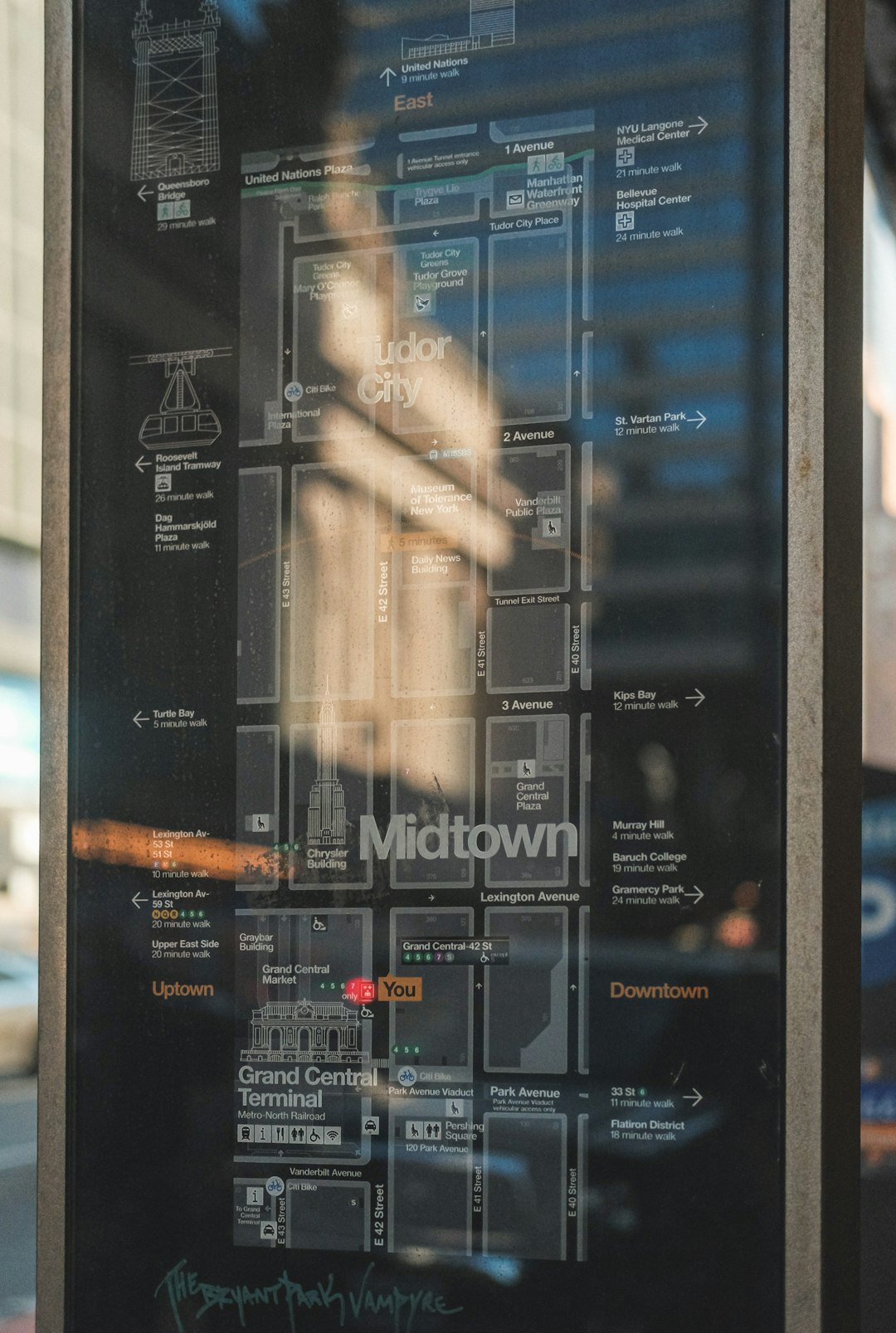
Citymapper is specifically designed for urban environments and public transportation. Unlike broader navigation apps, Citymapper focuses heavily on city-based mobility, offering detailed transit data and creative route options tailored to metropolitan areas.
Key Features
- Highly detailed transit routes: Includes buses, subways, commuter rails, ferries, and trams.
- Real-time disruption alerts: Notifications about delays and service interruptions.
- Cost comparison: Estimates transit fares and ride-share pricing.
- Calorie tracking: Calculates calories burned during walking and cycling segments.
- Step-by-step navigation: Provides clear instructions including which subway exit to use.
Citymapper stands out for its user-centric design and detailed trip customization. It often suggests multiple route options, categorized by speed, cost, or convenience. For example, a commuter might choose between the “Fastest Route,” the “Cheapest Route,” or even a “Least Walking” option.
The app is especially popular in major cities such as London, New York, and Paris, where dense transit networks can be overwhelming without digital guidance.
Best for: Urban commuters who rely heavily on public transportation within large metropolitan areas.
3. Transit App
Transit is a dynamic app dedicated entirely to public transportation and shared mobility services. It is known for its sleek interface and crowd-sourced data contributions, which enhance real-time accuracy.

Key Features
- Live arrival countdowns: Predicts bus and train arrivals with high accuracy.
- Crowd-sourced updates: Riders can share real-time information about vehicle crowding.
- Integrated ticketing: In some regions, users can purchase fares directly in the app.
- Micro-mobility support: Integrates bike-share and scooter services.
- GO feature: Provides turn-by-turn navigation with departure alerts.
Transit excels in simplicity. Upon opening the app, users immediately see nearby routes and departure times based on their location. This makes it especially convenient for spontaneous travelers who need quick answers rather than complex planning tools.
The community-powered model also adds value. Riders can report delays or crowded vehicles, helping fellow commuters make informed decisions.
Best for: Frequent public transit users who prioritize real-time accuracy and simplicity.
Comparison Chart
| Feature | Google Maps | Citymapper | Transit App |
|---|---|---|---|
| Primary Focus | All-in-one navigation | Urban public transit | Public transit & micro-mobility |
| Real-Time Updates | Yes | Yes | Yes (crowd-sourced) |
| Multimodal Integration | High | High | Moderate to High |
| Offline Access | Yes | Limited | Limited |
| Ticket Purchasing | Limited regions | Limited regions | Available in select cities |
| Best For | General navigation | Major cities | Daily public transit riders |
Why Transportation Apps Matter
Transportation apps contribute significantly to improving urban mobility. Their impact extends beyond individual convenience and touches on broader societal benefits:
- Reduced congestion: By optimizing routes and encouraging public transit use.
- Lower emissions: Supporting environmentally friendly transportation options.
- Time savings: Minimizing uncertainty and wait times.
- Accessibility: Helping users with real-time alerts and navigation assistance.
- Data-driven planning: Providing cities with insights into commuter behavior.
As cities invest in smart infrastructure, these applications are becoming integral parts of urban ecosystems. Integration with electric buses, bike-sharing programs, and automated transit systems signals a future in which digital and physical mobility networks operate seamlessly together.
For commuters, the choice of app often depends on daily routines, city size, and personal preferences. However, all three tools highlighted above demonstrate how digital platforms are reshaping the public transportation experience.
Frequently Asked Questions (FAQ)
1. Which transportation app is best for tourists?
Google Maps is often considered the best option for tourists due to its global coverage, offline maps, and integration with walking and driving directions.
2. Are these transportation apps free to use?
Yes, Google Maps, Citymapper, and Transit are free to download and use. Some premium features or in-app ticket purchases may involve additional costs.
3. Do these apps work without internet access?
Google Maps offers offline maps, but real-time transit updates generally require an internet connection. Citymapper and Transit have limited offline functionality.
4. Can users buy tickets directly through these apps?
In select cities, Transit and sometimes Google Maps or Citymapper allow in-app ticket purchases. Availability depends on local transit authority partnerships.
5. How accurate are real-time arrival predictions?
Accuracy varies by city and transit agency, but crowd-sourced data and GPS tracking typically provide highly reliable estimates.
6. Do these apps include bike and scooter sharing options?
Yes, all three apps integrate shared mobility services in supported cities, allowing users to locate and sometimes reserve bikes and scooters.
7. Which app is best for daily commuters?
Transit is particularly well-suited for daily public transit riders due to its streamlined interface and live countdown features, while Citymapper excels in dense urban environments.
Ultimately, transportation apps are transforming how cities move. By delivering real-time information, multimodal planning, and smart insights, tools like Google Maps, Citymapper, and Transit are helping shape the future of connected, efficient, and sustainable mobility.